Kindergarten Registration for September 2026
If your child is born in 2021 then September 2026th is the year they will start in Kindergarten. Please register your child on-line at this link: https://www.sd62.bc.ca/schools/registration
You will only be able to register at your catchment school according to the address of your current home.
We look forward to connecting with you.
SCIANEW STELITKEL Office
To Pay School Fees go to: https://sd62.schoolcashonline.com/
You will need:
- Have done your consents as per instructions below
- E-mail you used for consents
- Your child’s PEN # (9 digits)
- Your child’s legal last name as it is in our system
Please complete school consents at the following link, copy and paste into your browser menu:
ONLINE CONSENT PORTAL
- When using the system for the first time, parents must use the front page to request an access number (which acts as their password). This password will be sent to your email.
• Parents use the verification number to gain entry. From there, they can provide consent to the six activities. If your student is not listed, please make sure that the email address used is the same email address your student’s school has on file.
Here are the consents that are available as this time to be collected online:
1. Freshgrade (online tool)
2. GAFE (Student Access to Google Apps for Education)
3. Media Release
4. School Cash Online (KEV)
5. Short (Walking) Field Trips
6. Internet Access
When do the Consents expire?
• Some consents (namely GAFE, KEV, and FreshGrade) expire once a student leaves the district and/or graduates
• Some consents last one school year
• The system tracks the expiry of these consents. To renew a consent year to year (for Internet access, as an example) a parent simply reconnects to the system next school year. The system will note that the consent has expired and will give parents an opportunity to renew their permission.SchoolFees-instructions for parents
Please complete school consents at the following link, copy and paste into your browser menu:
ONLINE CONSENT PORTAL
- When using the system for the first time, parents must use the front page to request an access number (which acts as their password). This password will be sent to your email.
• Parents use the verification number to gain entry. From there, they can provide consent to the six activities. If your student is not listed, please make sure that the email address used is the same email address your student’s school has on file.
Here are the consents that are available as this time to be collected online:
1. FreshGrade (online tool)
2. GAFE (Student Access to Google Apps for Education)
3. Media Release
4. School Cash Online (KEV)
5. Short (Walking) Field Trips
6. Internet Access
When do the Consents expire?
• Some consents (namely GAFE, KEV, and FreshGrade) expire once a student leaves the district and/or graduates
• Some consents last one school year
• The system tracks the expiry of these consents. To renew a consent year to year (for Internet access, as an example) a parent simply reconnects to the system next school year. The system will note that the consent has expired and will give parents an opportunity to renew their permission.
Parent Portal Sign in:
To sign in to MyEducation Parent Portal please go to https://myeducation.gov.bc.ca/ . Be sure to use a desktop or laptop, NOT a mobile device (iPad, Chromebook, cell phone, etc.) for the initial sign in. Use your e-mail you gave to the school for communications as your username and the school generated password you can get from the office. It will prompt you to create your own password at this time and then you will be able to continue using mobile devices if you choose.
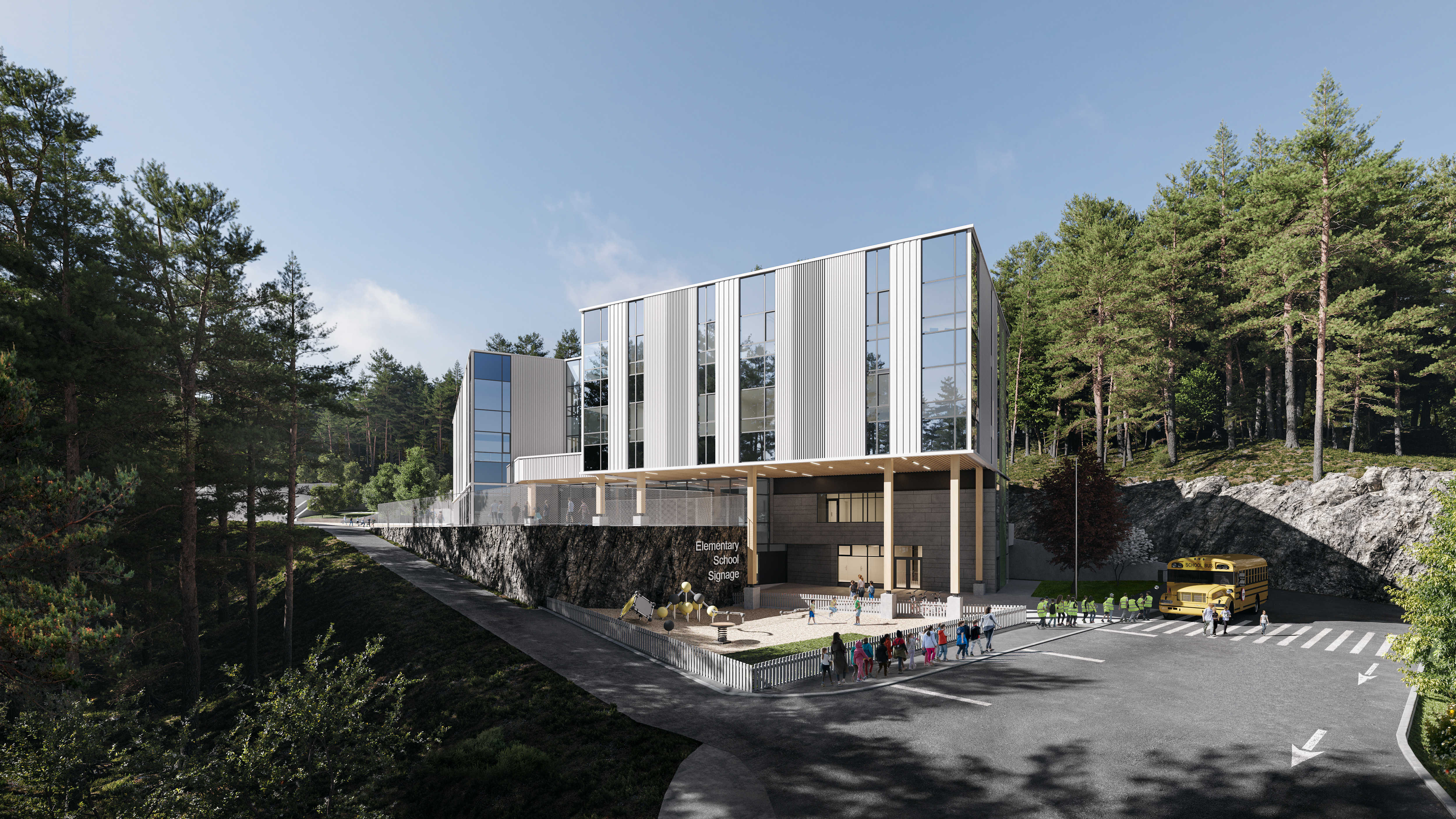
Welcome to SĆIȺNEW̱ SṮEȽIṮḴEȽ Elementary School. We are excited to open Sooke School District’s newest Elementary school this September. We are appreciative of the SC’IANEW Nation for gifting our school with our name.
Video One – Shares how to pronounce SĆIȺNEW̱ SṮEȽIṮḴEȽ
Video Two – Behind the Naming SĆIȺNEW̱ SṮEȽIṮḴEȽ Elementary School
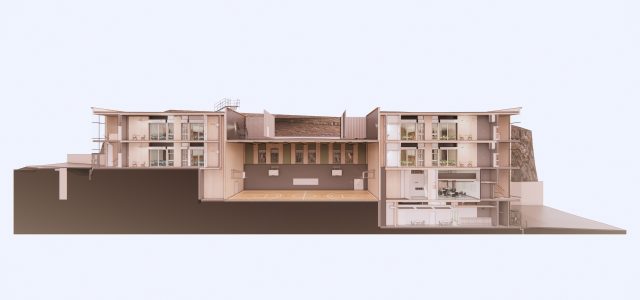
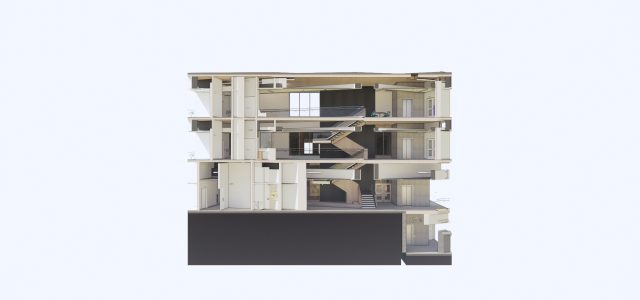
Architectural Design Flythrough of the School